OpenRouter Model Orchestration for OpenClaw Assistants
How ClawOps routes every OpenClaw assistant message across a curated set of OpenRouter models at your budget, automatically, within the model stack you choose.
The problem with picking one model
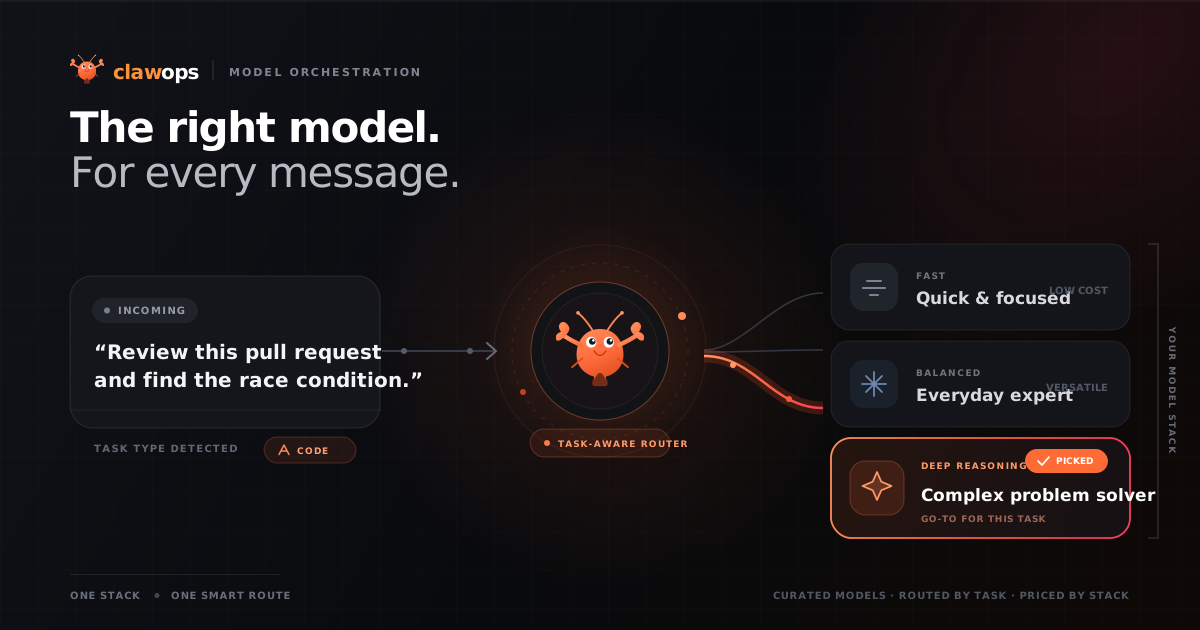
Until now, choosing how your bot thinks meant picking a single model, or at best, a primary with a couple of backups it only fell back to when something broke. That’s a compromise either way. Pick a powerful model and you pay premium prices for “what’s the weather” replies. Pick a cheap one and it fumbles the hard stuff. There’s no single model that’s the right answer for every message.
So we stopped asking you to choose one.
Introducing model orchestration
Your model stack is no longer a single model with fallbacks. It’s now a curated set of models at your budget, and every message is routed to one of them, automatically.
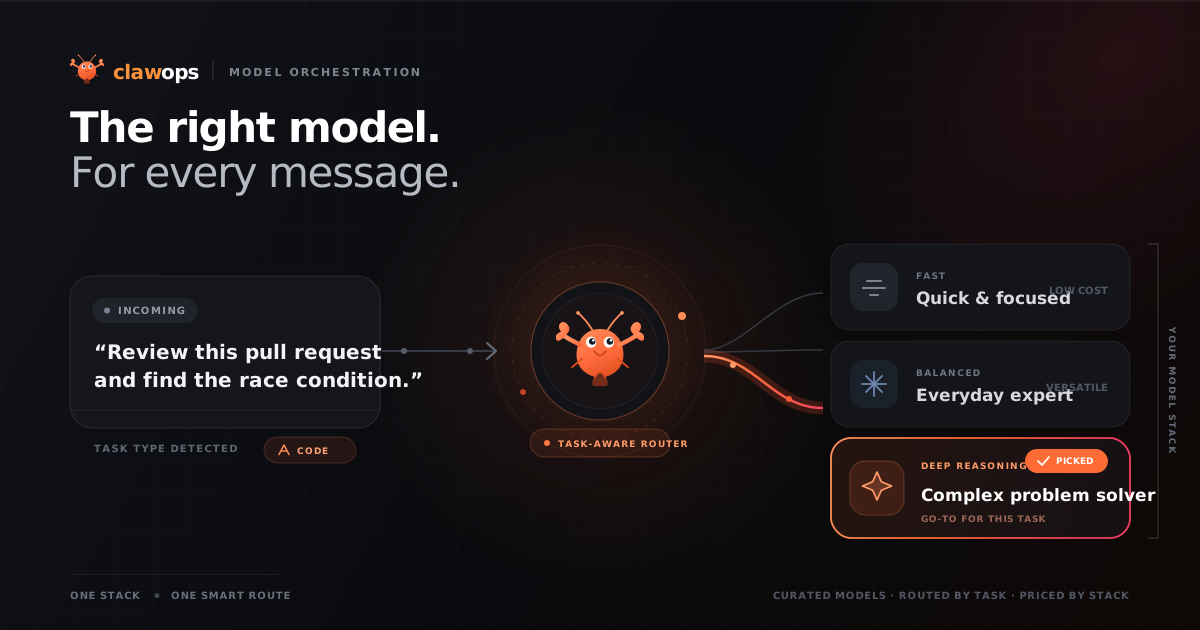
For each message, the router works out what kind of task it is (coding, a quick question, research and so on) and sends it to a model in your stack that people across OpenRouter rely on for that kind of work. You don’t lift a finger. It happens per message, in the background, every time.
This is model orchestration, and it’s live for every ClawOps bot today.
Update, September 2026: we originally described this as sending hard questions to the strongest model and easy ones to the cheapest. When we tested it properly, that’s not quite how it behaves. The router chooses by kind of task and by what’s popular for it within your stack’s price range, not by how hard a particular message is. We’ve updated this post to describe what it really does.
How it works
Each stack is a hand-picked range of models with a built-in personality:
- Wanderer, free models only, leans hard toward savings ($0)
- Hustler, efficient paid models, leans toward value
- Professional, balanced quality and speed (the default)
- Operator, the best models available, leans hard toward quality
Each paid stack also sets a price range for the router. Hustler stays in the economical band, Professional sits in the middle, and Operator works from the premium models (Wanderer simply tries its free models in order). Inside that range, the router sends each message to the model that’s most relied on for that kind of task.
The result: your stack’s price stays predictable, you’re never stuck on one model, and if a model is busy or down another one in your stack picks up the message.
It pairs with Smart Switching
If you use Smart Switching, which moves your bot to leaner stacks as your credits run low, orchestration makes it even better. Think of it as two layers:
- Smart Switching picks the range based on your budget.
- Orchestration picks the model from that range, per message.
So even when you’ve dropped to a more economical tier, your bot keeps routing across a whole set of capable models rather than falling back to a single one.
We ran it on our own bot first
We don’t ship model changes to your bot without living with them ourselves. Our internal assistant ran on orchestration for over a week before this launch.
Because we can see precisely which model answered each request, we check the routing rather than just trusting it. That testing caught and fixed three rough edges before launch, and it’s how we later found that routing follows the kind of task rather than its difficulty, which is why this post now says so. Dogfooding works.
We also re-test the stacks regularly: every model is checked for tool use, speed, availability and cost, and replaced when something better arrives.
Built on open standards
Orchestration runs on OpenRouter’s auto-router, the same open infrastructure that already connects your bot to 300+ models. No proprietary black box, no lock-in. We simply constrain the router to the curated set of models in your chosen stack and its price range, so you get automatic routing and predictable costs. (True to form, the building block we needed turned out to already exist in the open ecosystem, so we used it rather than reinventing it.)
Nothing to do
Orchestration is on for every stack, right now. If you want to change which set of models your bot routes across, open your Dashboard → Settings and pick a stack, Wanderer, Hustler, Professional, or Operator. The change applies instantly, no redeploy.
Prefer a single specific model for everything? That option’s still there too, pick any model from the dashboard and your bot will use exactly that one.
Want the most capable models on every message? Pick Operator. Want to stretch your credits? Hustler has you covered.
Open your Dashboard → · Read the docs →
*Follow along: X/Twitter